
Stampify
Make photo stamps. Build collections.
Turn pets, plants, meals, books, trips, and favorite finds into collectible stamps—then grow a stamp wall you love to revisit and share.


01
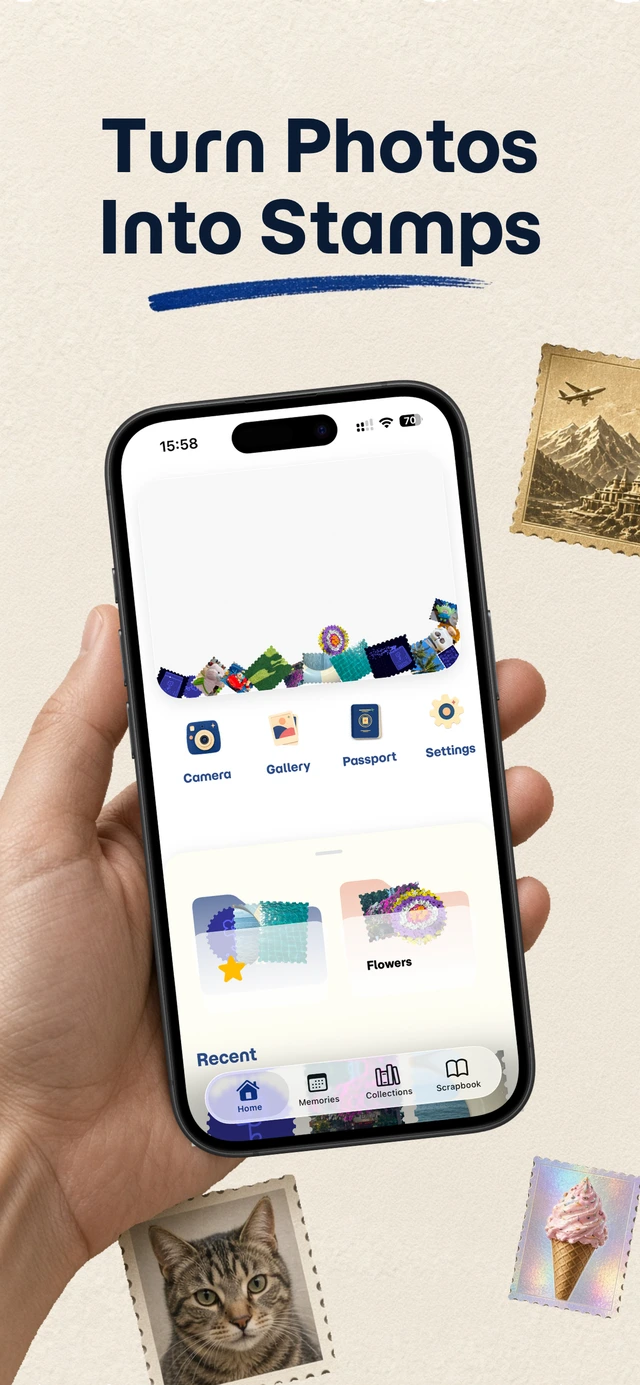
Make a stamp in seconds
Capture a moment or pull one from your gallery, pick a shape, and save it as a collectible stamp.
-
Capture or import
Snap a new photo with the camera or choose a favorite from your gallery.
-
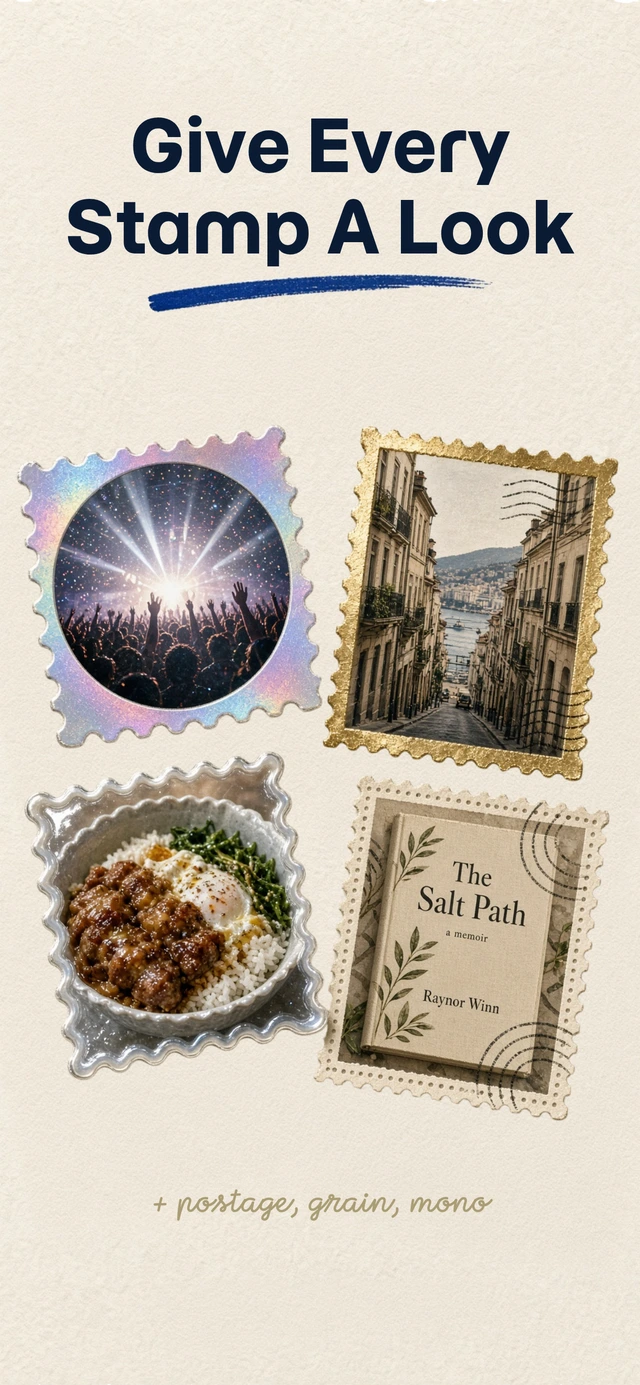
Pick a stamp shape
Choose vertical, square, horizontal, or circle styles that fit the moment.
-
Save to your wall
Keep the stamp ready for collections, browsing, and sharing.
02
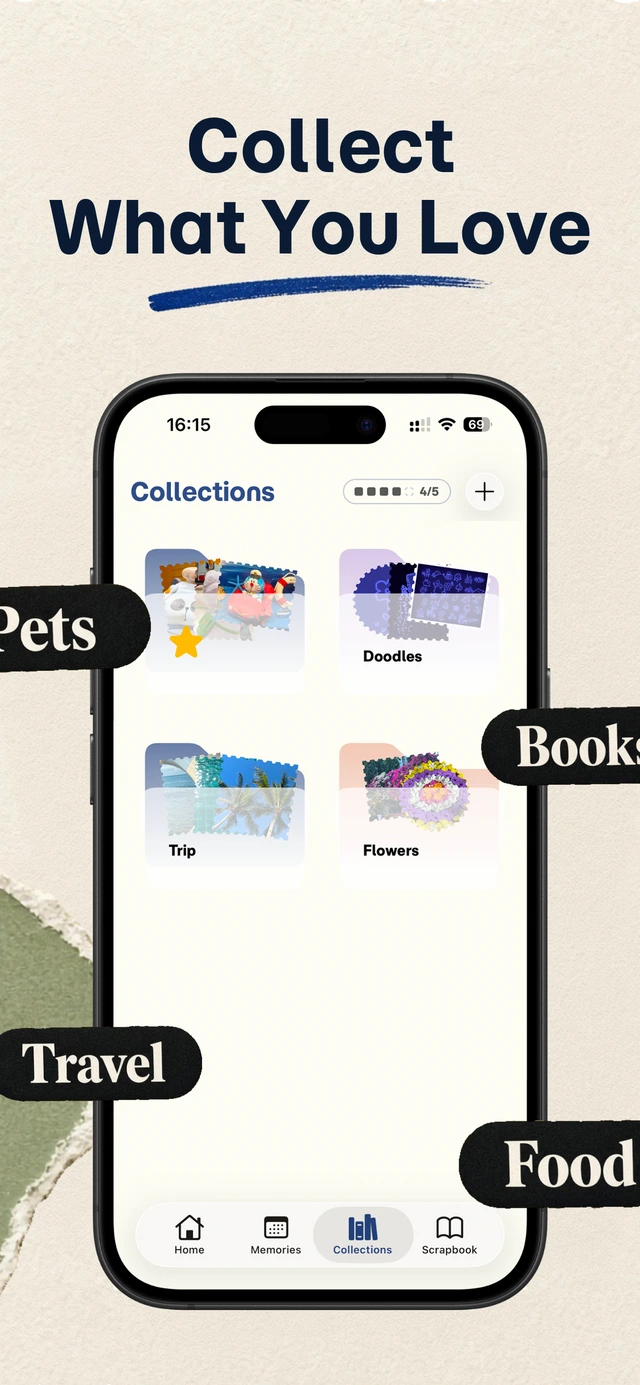
Build collections you revisit
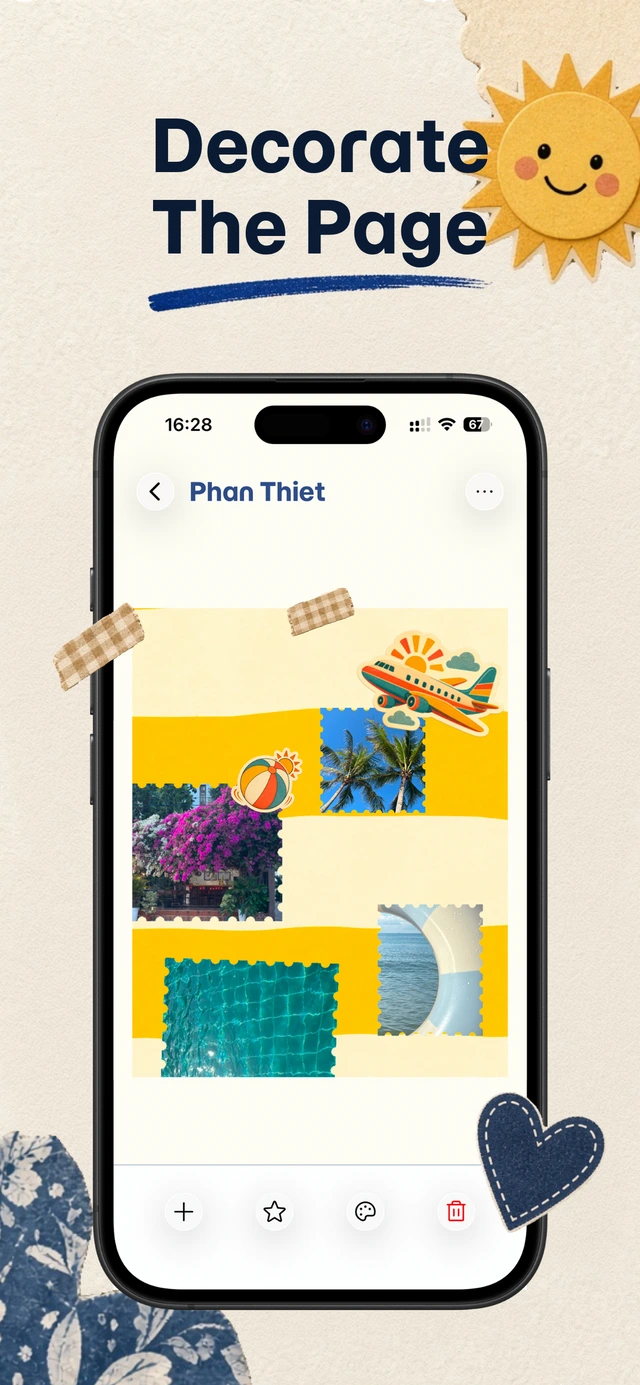
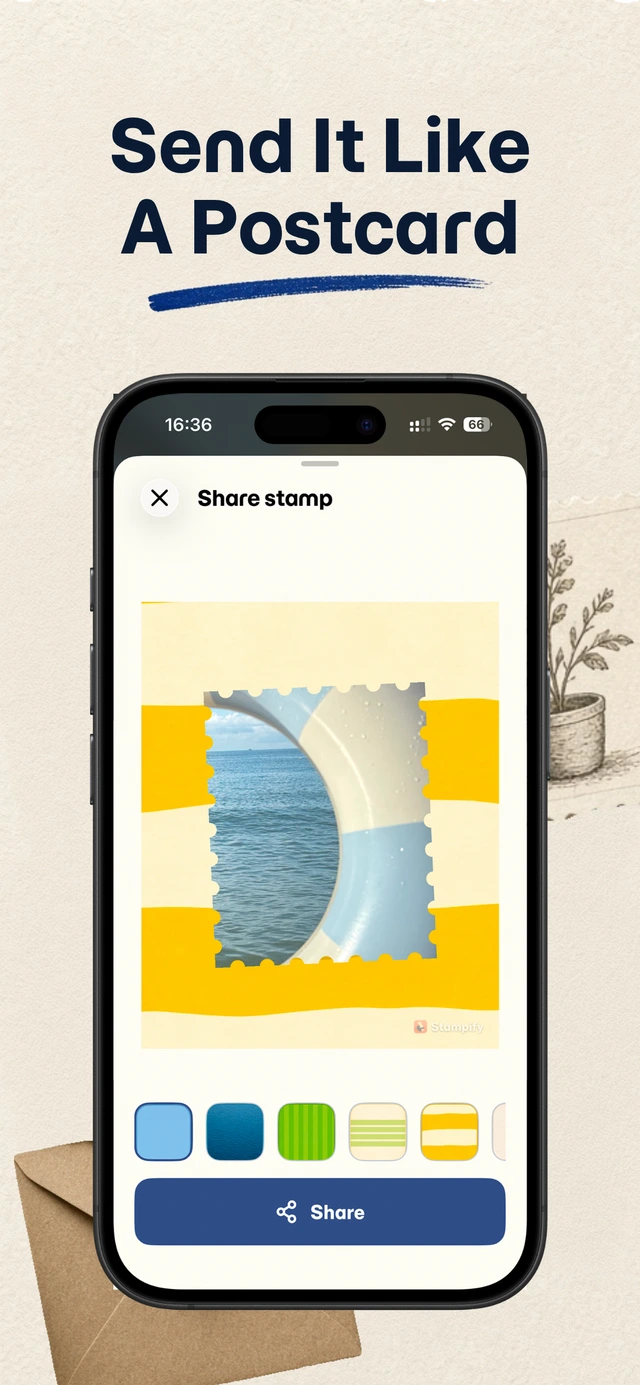
Group stamps into themed collections, grow your stamp wall, and share playful stamp images with friends.
- Themed collections Organize travel, pets, food, books, and everyday finds into albums that feel collectible.
- Your stamp wall Watch your favorites stack into a wall worth scrolling—not another buried camera roll.
- Share when you want Send a stamp image when a moment deserves more than another forgotten photo.
New in 3.6
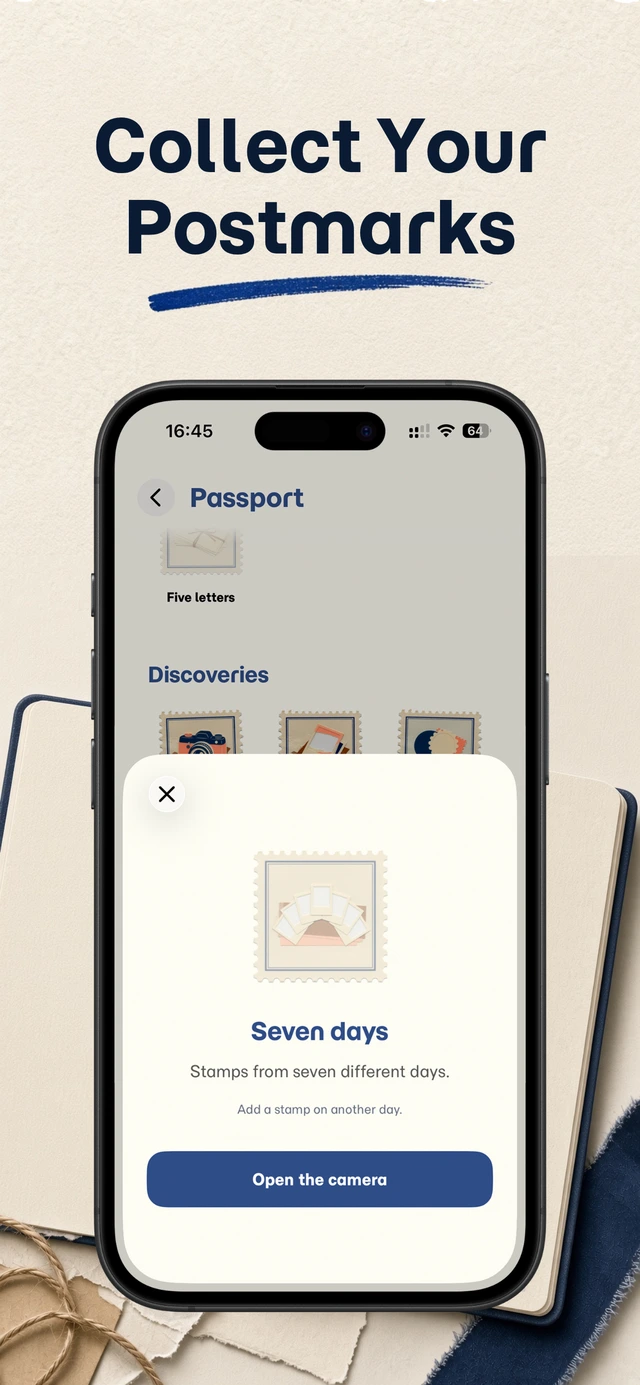
- Passport and achievements Track milestones and unlock new pages as your collection grows.
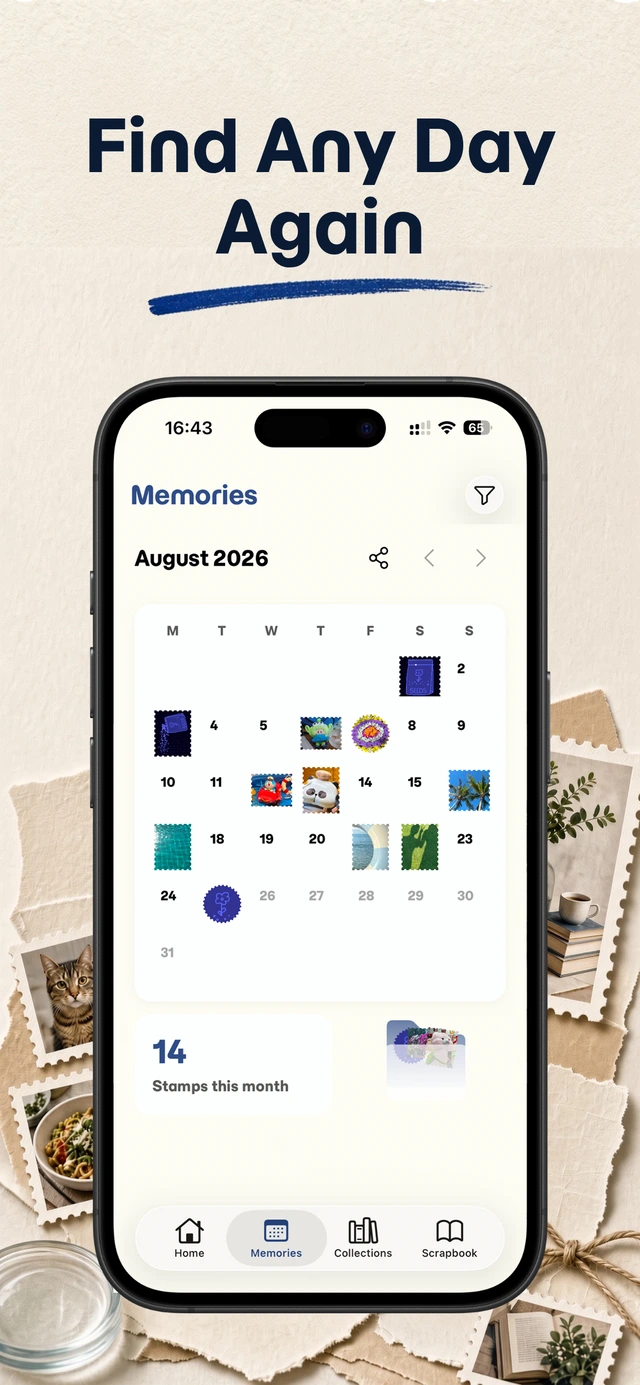
- Calendar postcards Turn any month into a postcard and share it with the people who were there.
- Holographic foil stamps Favorites shimmer with a foil effect.
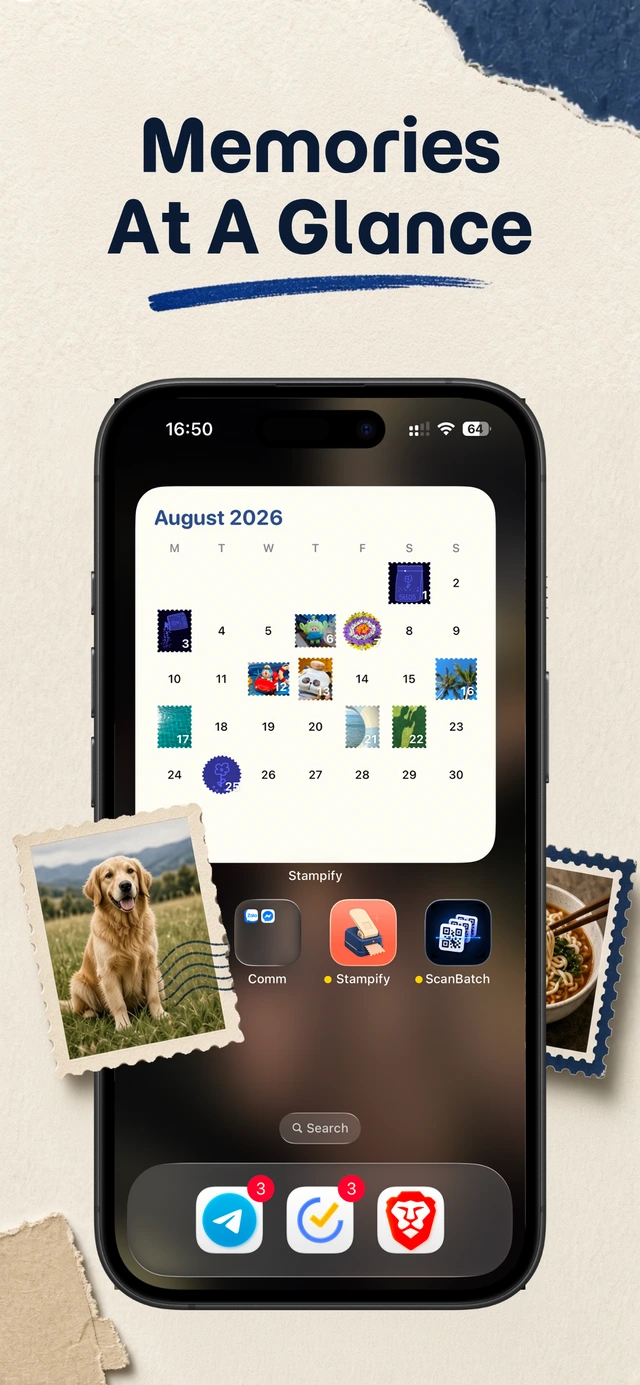
- Home Screen widgets Put favorite collections on your Home Screen.
03
Photo stamp guides
Start with the maker overview, the capture workflow, or a comparison if you already use another stamp app.
-
Photo Stamp Maker: Turn Photos into Collectible Stamps
Stampify photo stamp maker turns favorite photos into collectible stamps with shapes, collections, scrapbook pages, and sharing.
-
Make Stamps from Photos: A Simple Capture-to-Stamp Workflow
Learn how to make stamps from photos with Stampify—import favorites, pick shapes, save collectible stamps, and grow themed collections.
-
Stampify Alternatives: Compare Photo Stamp Apps
Compare Stampify alternatives for photo stamps—Stampa, Stampie, LiveStamp, CapStamp—and see which workflow fits collections, scrapbooks, and sharing.
-
What Is a Stamp Punch? Stamp Puncher vs Photo Stamp Maker
A stamp punch (or stamp puncher) cuts paper into stamp shapes. See how it works, when to buy one, and how a photo stamp maker differs.
-
Photo Collection App: Build a Stamp Wall You Actually Revisit
Looking for a photo collection app? Stampify turns favorites into collectible photo stamps with themes, scrapbook pages, and on-device privacy by default.
04
See Stampify in action
A clear, tactile interface for making stamps and building collections.
05
Loved by stamp collectors
People use Stampify to turn favorite photos into stamps, collections, and shareable keepsakes.
“Cute UI and font, does the job done. This is my new favorite app.”
“Really cute and great for collages and scrapbook posts.”
“It works really well. I hope we get some more customization options.”
FAQ
Quick answers before you download.
Is Stampify free?
Yes. For free, you can make stamps, build collections, grow your stamp wall, share stamp images, and use Passport, holographic foil stamps, calendar postcards, and up to two Home Screen widgets, all with no account. Premium is optional and adds more collections, cloud sync across devices, premium themes, extra postcard backgrounds and stickers, more widgets, and deeper customization. Premium is billed through the App Store or Google Play.
Do you store my photos on a server?
Your stamps are stored on your device by default. If you turn on cloud sync, which is part of Premium, your collection is synced through our service providers so it's available on your other devices. See the Privacy Policy for details.
What is a photo stamp maker?
A photo stamp maker turns regular photos into stamp-style keepsakes with shapes, frames, and collectible layouts. Stampify focuses on making stamps and building personal collections.
How is Stampify different from a camera roll?
A camera roll stores every photo chronologically. Stampify helps you select favorites, turn them into stamps, group them into collections, and grow a stamp wall you actually revisit.
Can I share my stamps?
Yes. Stampify includes sharing so you can send playful stamp images with friends when you want to.
How do I restore my purchase on a new phone?
Install Stampify on the new phone and sign in with the same Apple ID or Google account you bought with. In Stampify, open Settings, then Subscription, and tap Restore purchases. This works for the lifetime purchase and for subscriptions. Purchases don't carry over between iPhone and Android, because Apple and Google keep them separate.
My free trial turned into a paid subscription. How do I get a refund?
Apple and Google handle all billing, so refunds go through them, not us. On iPhone, request one at reportaproblem.apple.com. On Android, request one in Google Play under Payments & subscriptions. To avoid future charges, cancel in your App Store or Google Play subscriptions before the next renewal date.
My stamps are missing after an update or reinstall. What should I do?
Your stamps are stored on your device unless you use Premium cloud sync. First, make sure you're on the latest version, then fully close Stampify and reopen it. If you use cloud sync, sign in with the same account. If you saved a collection backup (a .stampify file), open a collection, tap the ⋯ menu, choose Import, and pick that file. If none of this brings them back, email support@otterspark.xyz with your device, OS version, and Stampify version.
Start your stamp wall
Download Stampify today. Start free, and upgrade only if you want extra themes and customization.